文件操作 - README.md
返回文件管理
返回主菜单
删除本文件
文件: /usr/local/src/netdata/health/notifications/hangouts/README.md
编辑文件内容
<!-- --- title: "Hangouts Chat" custom_edit_url: https://github.com/netdata/netdata/edit/master/health/notifications/hangouts/README.md --- --> # Hangouts Chat This is what you will get: 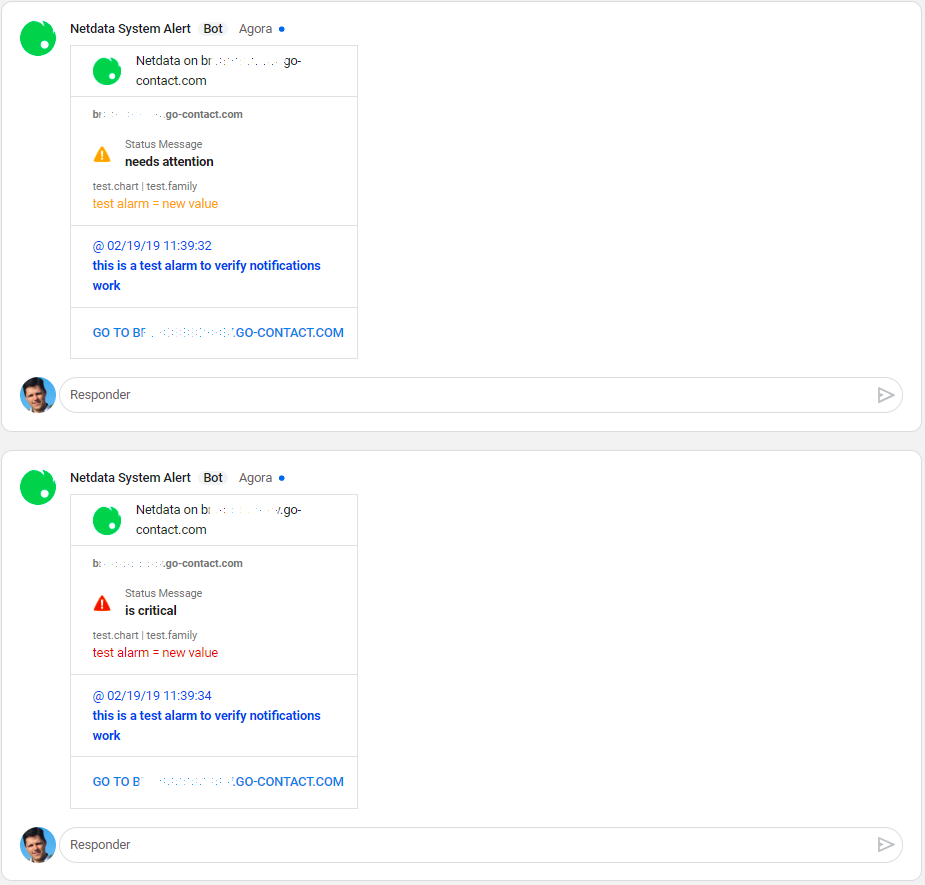 To receive notifications in Google Hangouts, you need the following in your Hangouts setup: 1. One or more rooms 2. An **incoming webhook** for each room How to create an incoming webhook: https://developers.google.com/hangouts/chat/how-tos/webhooks Set the webhook URIs and room names in `health_alarm_notify.conf`. To edit it on your system, run `/etc/netdata/edit-config health_alarm_notify.conf`): ``` #------------------------------------------------------------------------------ # hangouts (google hangouts chat) global notification options # enable/disable sending hangouts notifications SEND_HANGOUTS="YES" # On Hangouts, in the room you choose, create an incoming webhook, # copy the link and paste it below and also identify the room name. # Without it, netdata cannot send hangouts notifications to that room. # HANGOUTS_WEBHOOK_URI[ROOM_NAME]="URLforroom1" HANGOUTS_WEBHOOK_URI[systems]="https://chat.googleapis.com/v1/spaces/AAAAXXXXXXX/..." HANGOUTS_WEBHOOK_URI[development]="https://chat.googleapis.com/v1/spaces/AAAAYYYYY/..." # if a DEFAULT_RECIPIENT_HANGOUTS are not configured, # notifications wouldn't be send to hangouts rooms. # DEFAULT_RECIPIENT_HANGOUTS="systems development|critical" DEFAULT_RECIPIENT_HANGOUTS="sysadmin devops alarms|critical" ``` You can define multiple rooms like this: `sysadmin devops alarms|critical`. The keywords `sysadmin`, `devops` and `alarms` are Hangouts rooms.
修改文件时间
将文件时间修改为当前时间的前一年
删除文件